
You can have a thoughtful content calendar, a properly segmented list, and a nurture sequence someone clearly spent weeks building – and if your emails render as visual wreckage in Outlook or Gmail, the strategic work doesn’t matter. The broken version is what subscribers actually see.
I work on the technical side of email, which means I see this pattern constantly. Someone comes in with what they think is a conversion problem they can’t explain, and when I pull up their templates and run them through a proper cross-client test, the emails are broken in six different ways across five different clients. They had no idea. Their ESP preview showed something passable. They’d been sending for months – sometimes over a year – and the whole time some portion of their list was opening emails that looked objectively terrible.
This email marketing plan starts with that reality. The seven steps below cover the full picture, from technical foundation through content strategy, automation logic, and metrics that actually connect to business outcomes.
What your email marketing plan actually needs to do
A functional email marketing plan has one job: get the right message to the right person at the right time, without anything breaking along the way. That sounds deceptively simple, and most plans treat the “without anything breaking” part as an afterthought – a footnote after all the strategic planning is done.
Your plan needs seven things. A technical foundation that actually works. Content that matches where subscribers are right now, not where your funnel diagram says they should be. Automation that responds to what people actually do. Segmentation built around the real problems people have. Design that holds up across email clients that actively work against your intentions. Metrics connected to business outcomes rather than just activity numbers. And systems that don’t slowly degrade your list over time.
Most email marketing plans address maybe three or four of those. The gaps show up eventually.
Step 1: Stop your emails from looking like garbage
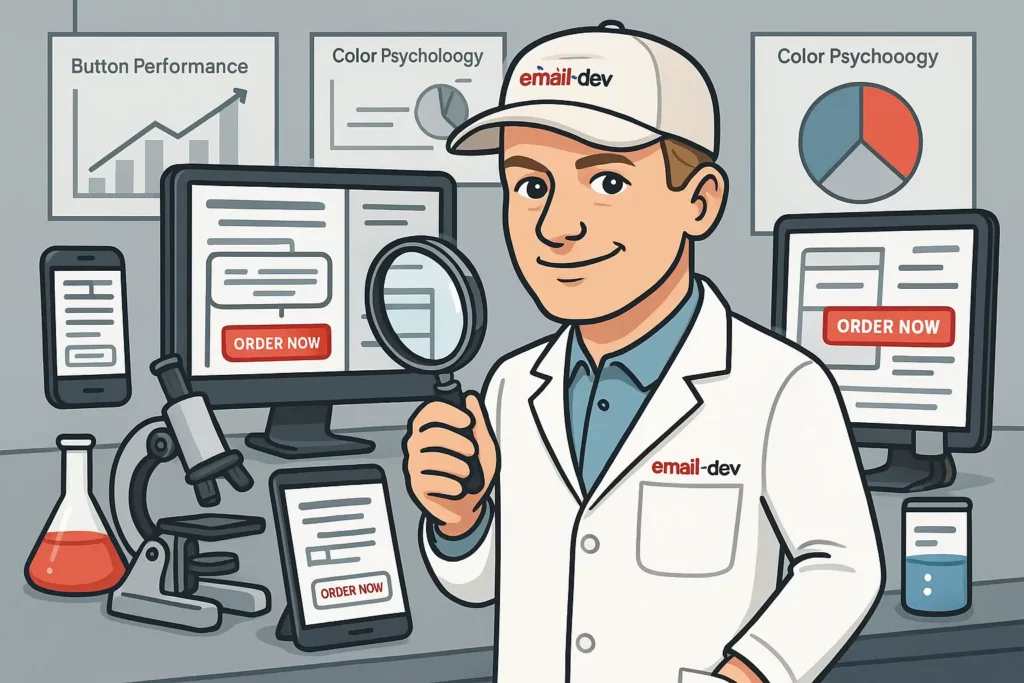
Classic Outlook for Windows – the desktop version that uses the Word 2007 rendering engine, which is exactly as old as it sounds – turns call-to-action buttons invisible against white backgrounds with some regularity, depending on how the button HTML is constructed. Gmail strips large portions of your CSS because Google made certain decisions about style tag support that email developers have been working around ever since. Web fonts that render correctly in Apple Mail will silently fall back to default system fonts in Gmail, classic Outlook, and Yahoo Mail – sometimes in ways that shift spacing or break layout in the process.
The people running into these rendering problems generally don’t reach out to tell you about them. They quietly form the impression that your emails are low-effort, and you get no direct signal that anything is wrong because your ESP dashboard shows aggregate numbers, not the broken screenshot from someone’s Outlook.
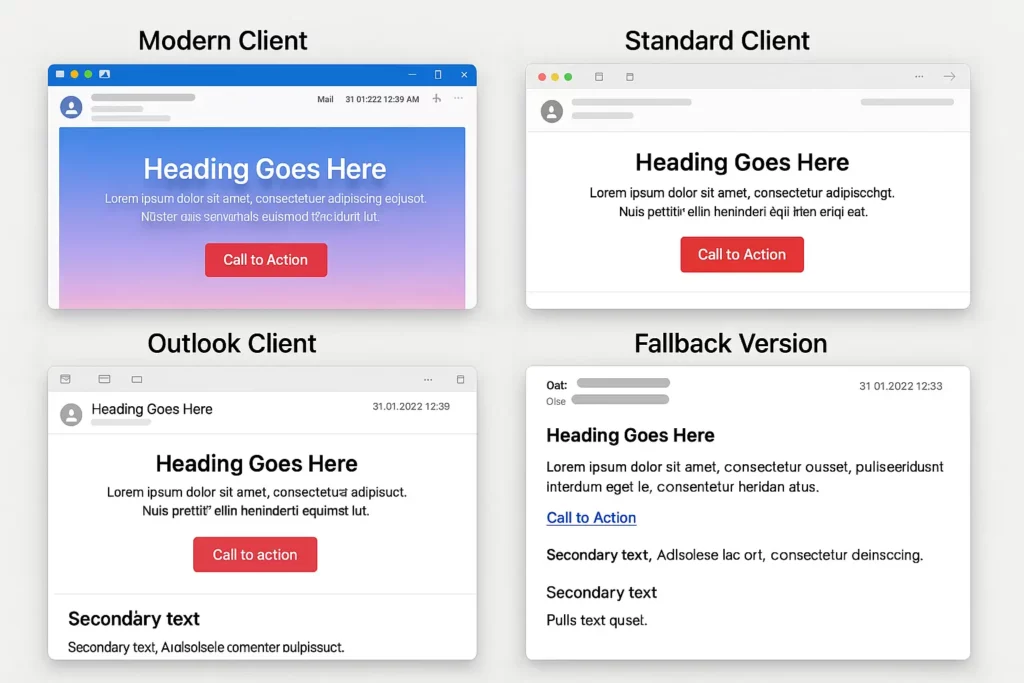
Here’s what happened when I tested one client’s “perfect” email template:
Gmail on desktop: mostly fine, some spacing inconsistencies. Outlook 365 on Windows: main headline shrank to small gray text, the CTA button rendered completely invisible against a white background. Gmail app on iOS: text bunched together, images stretched in odd ways. Yahoo Mail: background styling stripped, making white text disappear. Samsung Email: layout stacked in the wrong order, content reading from the bottom up in places.
Same email. Five very different experiences. This client had been sending this template for six months, trying to figure out why conversion rates varied so wildly across different subscriber cohorts. The cohorts weren’t the problem. The email clients were.
Your testing reality check:
Forward your next email to test addresses across Gmail, Outlook, Apple Mail, Yahoo, and at least one mobile-only account. Open them on both desktop and mobile. Take screenshots. Line them up.
The differences can be genuinely alarming. But knowing what subscribers are actually seeing beats building strategy on assumptions about what you think they’re seeing.
Fix the rendering issues before you worry about optimization. A structurally sound email that displays correctly across major clients will consistently outperform an elaborately crafted email that breaks in half of them.
Step 2: Build your email marketing plan around problems people actually have
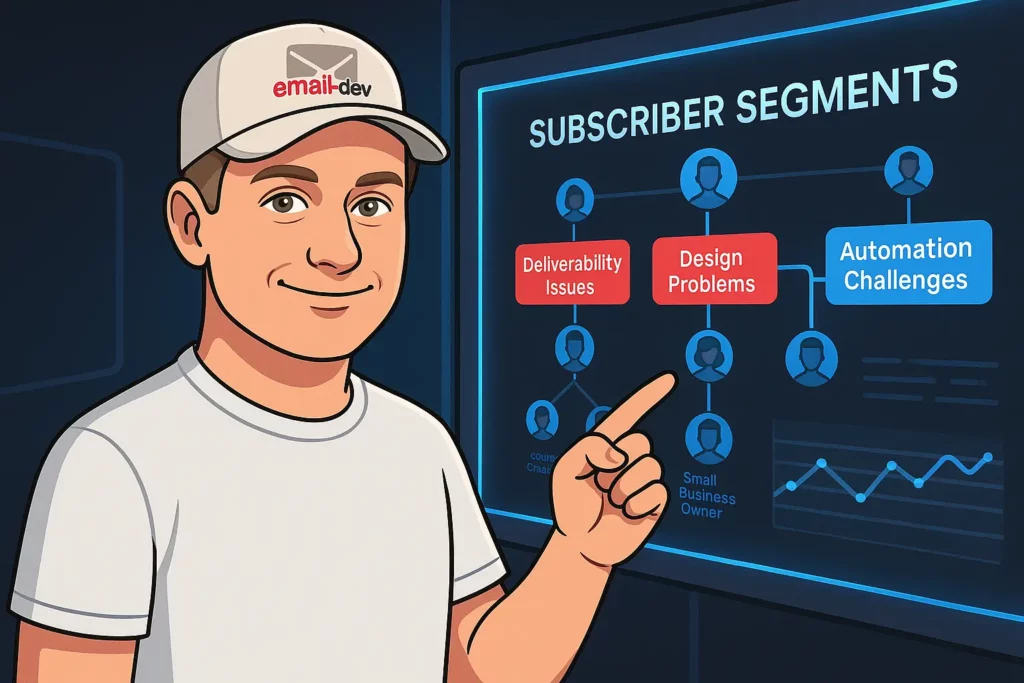
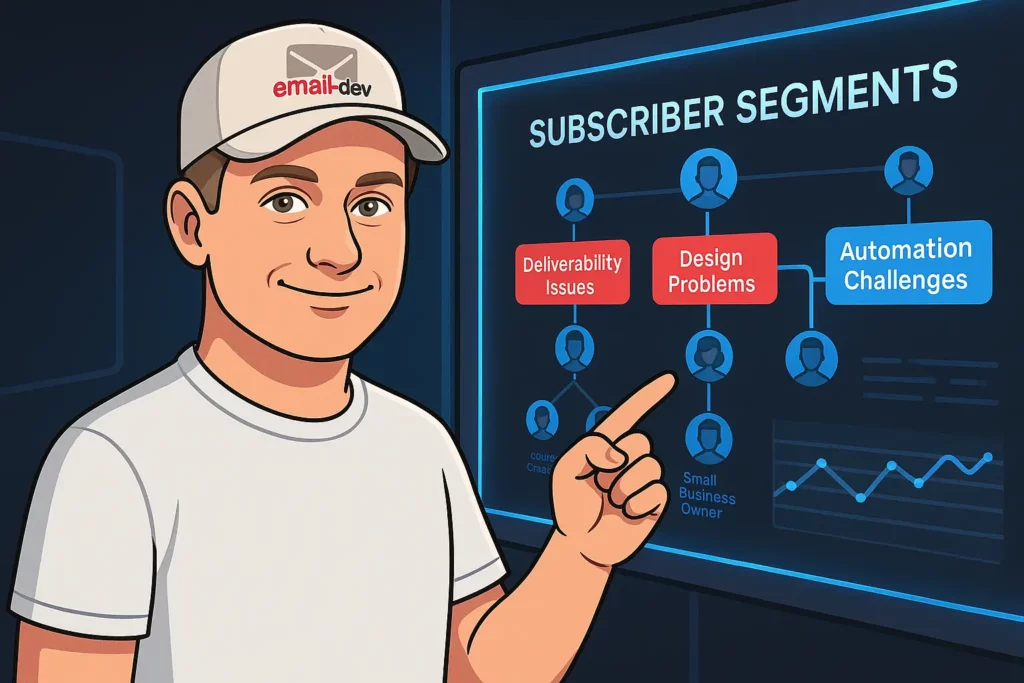
Most email marketing plans segment subscribers by demographics or engagement behavior – age, location, purchase history, open rate. These categories tell you something, but they don’t tell you what someone needs from you right now.
Subscribers aren’t organized around your demographic categories. They’re organized around whatever problem is currently pressing on them, and the urgency of that problem determines everything about how they’ll respond to what you send.
Someone whose email campaigns are actively broken and costing them sales during a live launch is in a completely different state than someone who’s casually interested in improving their email strategy at some undefined future point. Treating those two people to the same sequence, on the same timeline, with the same content wastes the engagement potential you have with both of them.
The segmentation that actually drives results:
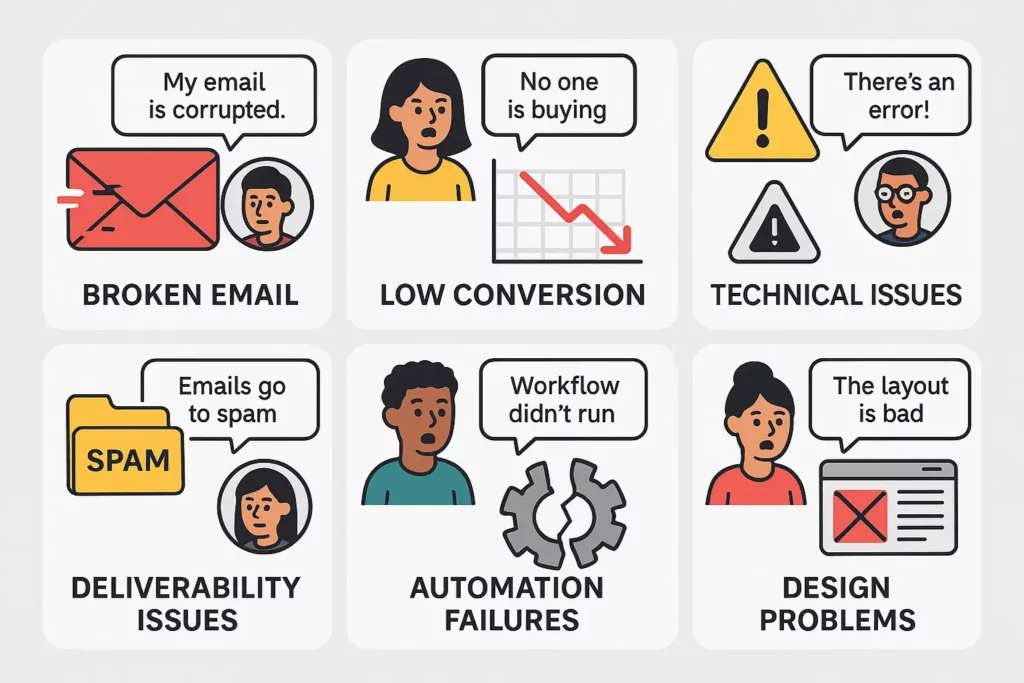
Pull your last twenty support tickets, sales call notes, or intake form responses. What problems did people describe? That language – not demographic categories – is your actual segmentation basis.
People asking about deliverability need different content than people asking about automation setup. Those with urgent, active problems need direct solutions, not strategic frameworks. People still figuring out what they need require enough context to understand whether your solution is even relevant to their situation before you try to sell them anything.
I worked with someone who was sending the same weekly newsletter to course creators, marketing managers, and small business owners. The content was pitched broadly enough that none of those groups felt like the emails were written for them specifically. We split the list by the type of problem people indicated when they signed up. Course creators got implementation advice and launch-specific tactics. Marketing managers got compliance and team workflow content. Small business owners got simpler, more direct guidance with clear next steps.
Same writing cadence, same person writing it. Engagement improved across all three segments, and people started booking consultations – something that hadn’t been happening much with the combined list approach.
Your problem-based segmentation:
Track the language people use when they subscribe, not just which lead magnet they downloaded. The words someone uses to describe their problem tell you considerably more than the resource they grabbed on the way in.
Watch for behavioral signals that suggest urgency – someone who downloads three different resources about deliverability within a week probably has an active deliverability problem, not a theoretical interest in the topic. Set up separate email tracks for different problem states so people get content relevant to where they actually are, not content calibrated to an average subscriber who doesn’t quite exist.
Step 3: Plan content around where people actually are (not where you want them)
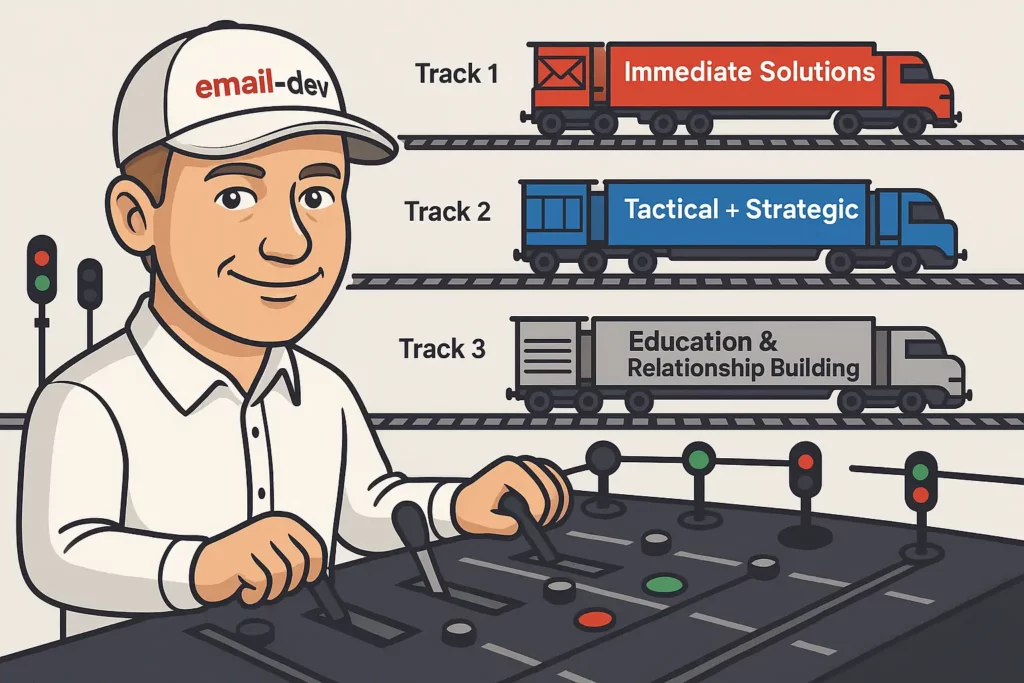
The standard welcome sequence assumes subscribers move through your funnel at a predictable pace. Email one arrives, email two follows in three days, email three in another three – regardless of whether someone opened the first email eagerly and clicked everything, or never opened it at all.
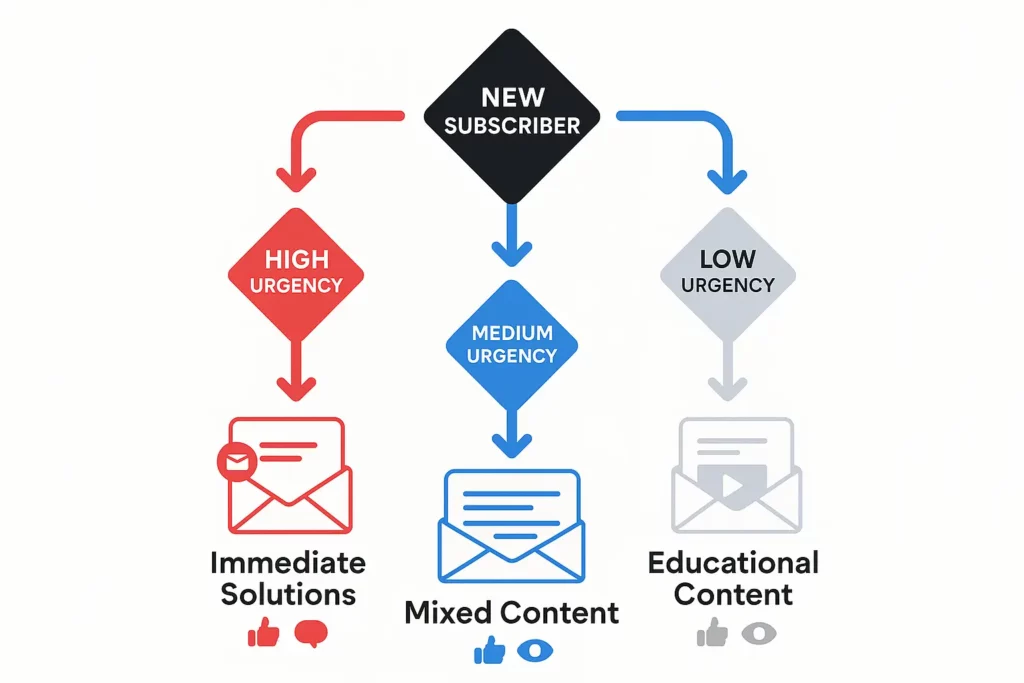
Some people subscribe because they have an urgent problem they need solved immediately. They want tactical solutions, not a ten-email relationship-building series. Others sign up because they’re generally interested in the topic and don’t have particular urgency – they need education and familiarity before any sales message makes sense. Most fall somewhere in between. Treating all of them to the same sequence, on the same timeline, is where a lot of engagement potential quietly evaporates.
The content planning reality:
Real subscribers don’t follow your ideal customer journey diagram. They sign up during different emotional states, with different urgency levels, different constraints on their time. Some will engage intensely with your first few emails and be ready for a direct conversation almost immediately. Others will sit on your list for months, opening occasionally, before their situation shifts enough that they’re actually ready to act.
Your content plan needs different tracks for different readiness levels, not one sequence calibrated to an average subscriber who doesn’t really represent anyone in particular.
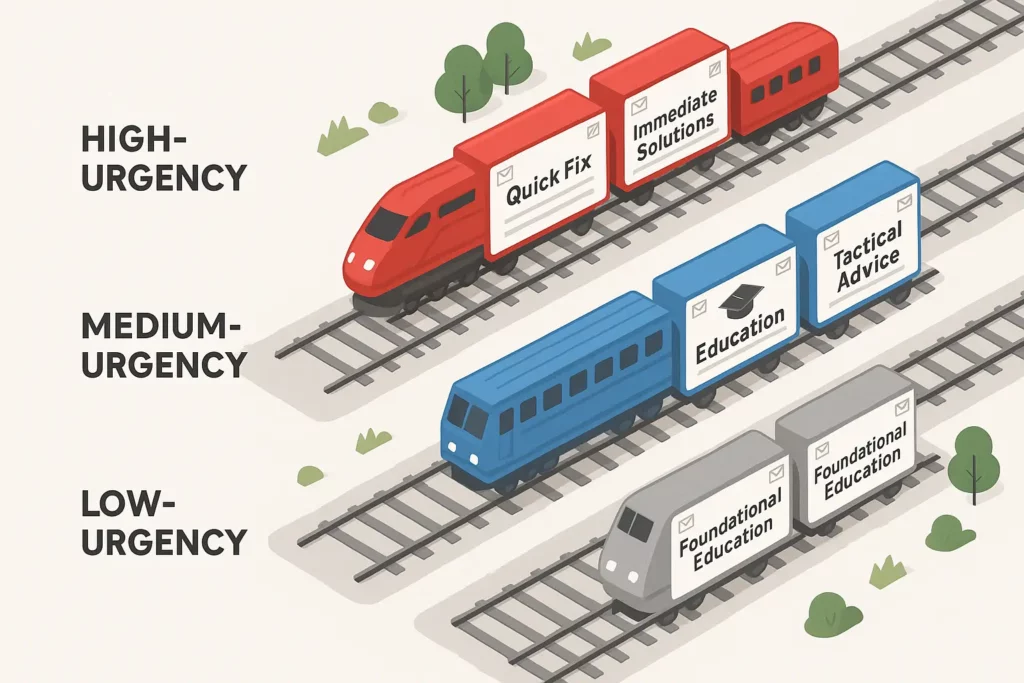
Content track examples:
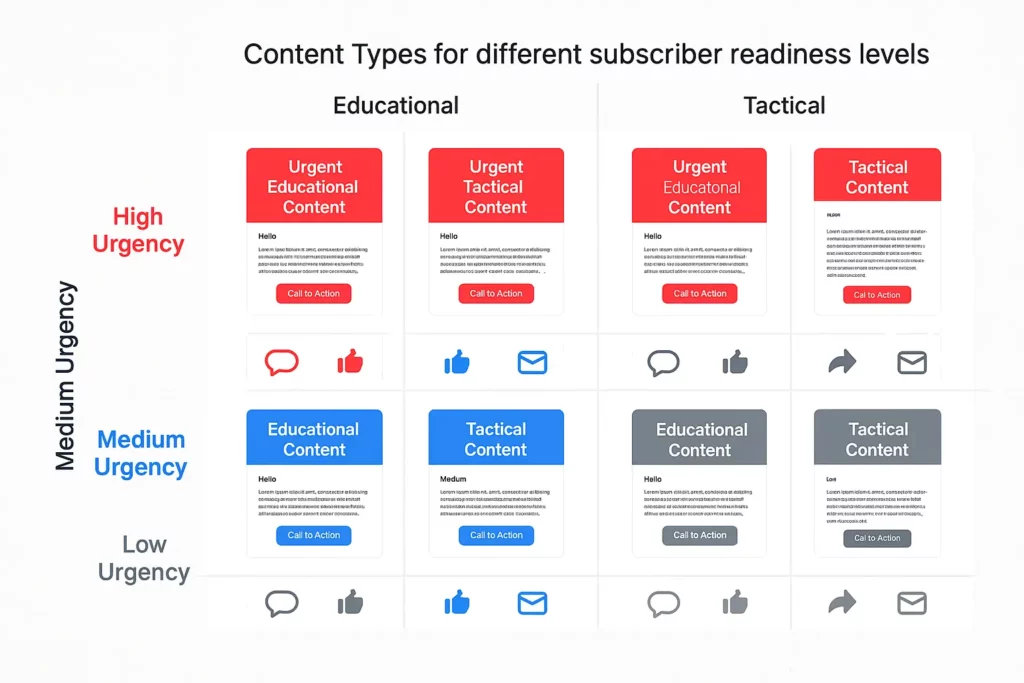
High-urgency subscribers: immediate solutions, specific quick wins, direct next steps. The relationship-building happens through the quality of the help, not through a carefully paced nurture sequence.
Medium-urgency subscribers: a mix of tactical advice and enough strategic context to help them understand their situation better. Some action steps, some framing.
Low-urgency subscribers: education-focused content that demonstrates expertise and builds familiarity over time. Sales content comes later, after the relationship has enough weight to support it.
The implementation challenge:
Identifying urgency level requires signals – the language people use in opt-in forms, which resources they download and how fast, how they engage with your first few emails. Most ESPs handle basic conditional routing. More precise behavior-based sequencing usually requires either a more capable platform or some creative workarounds depending on what your ESP can actually do.
Step 4: Set up automation that responds to what people actually do
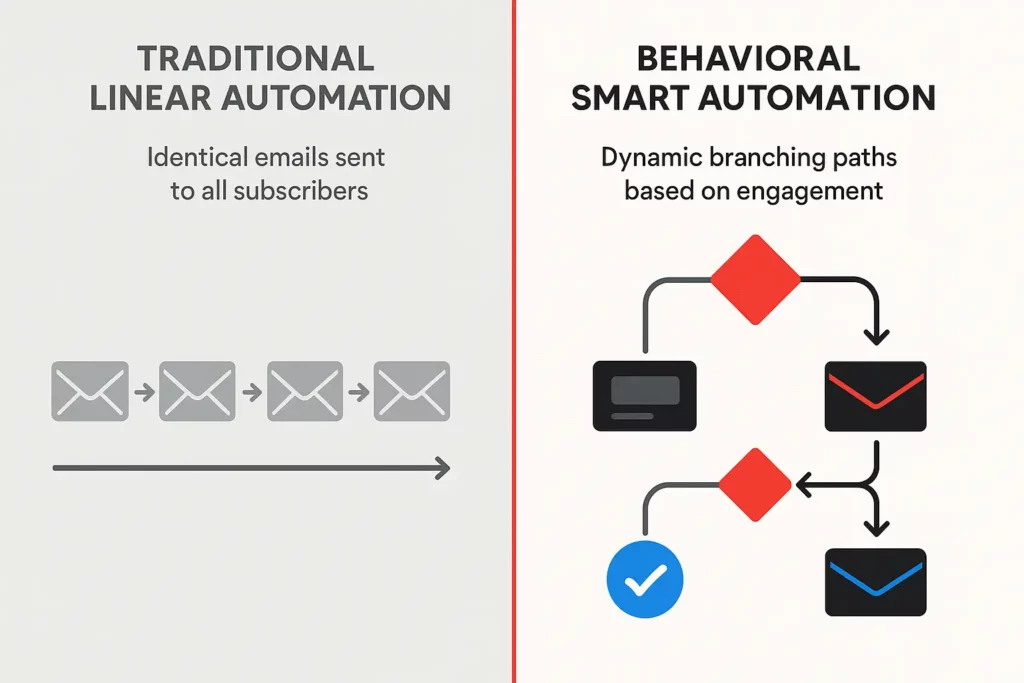
Standard welcome sequences send the same emails at the same intervals regardless of what subscribers do in between. Email one goes out, then email two after three days, then email three after another three. The person who never opened email one now gets email three, which references context from email one they haven’t seen. The person who opened and clicked through everything on day one is still waiting in the queue when they might already be ready for a direct conversation. Neither situation is ideal.
Automation that adapts to actual behavior:
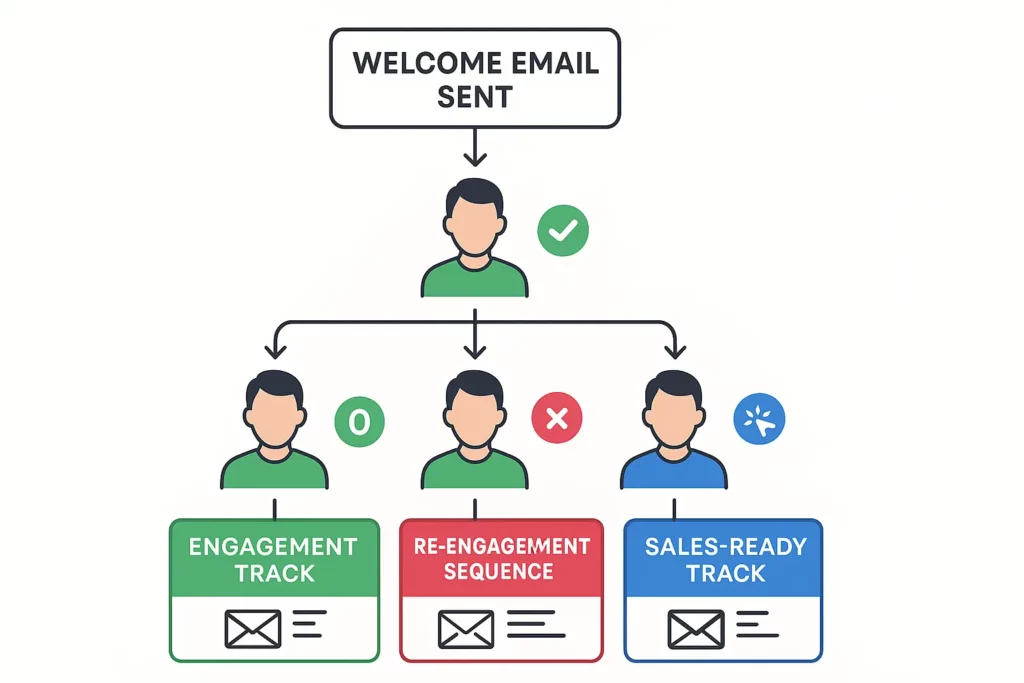
If someone opens your first email and clicks through, that’s a clear signal – move them to a faster track or trigger a more direct follow-up. If they open it but don’t click, they might need a different angle, or content that better matches their actual interests. And if someone doesn’t open the first two or three emails, continuing the default sequence is mostly conditioning them to ignore your sender name.
Conditional automation examples:
High-engagement path: subscriber opens and clicks the first two emails, gets moved to a compressed sequence with more direct sales content.
Medium-engagement path: subscriber opens but rarely clicks, continues on an extended educational track to build relevance before any sales messages appear.
Low-engagement path: subscriber doesn’t open, gets shifted to a re-engagement attempt with different subject line framing and different send times before the sequence pauses entirely.
The technical reality:
Most basic ESPs support simple conditional logic – opened vs. not opened, clicked vs. didn’t click. More sophisticated behavioral branching requires either a more capable platform or some creative workflow construction depending on your ESP’s limitations.
Define what “high,” “medium,” and “low” engagement actually mean for your specific business and audience. The thresholds that make sense for a daily newsletter are completely different from those for a low-frequency email course.
Step 5: Design emails that survive email clients trying to destroy them
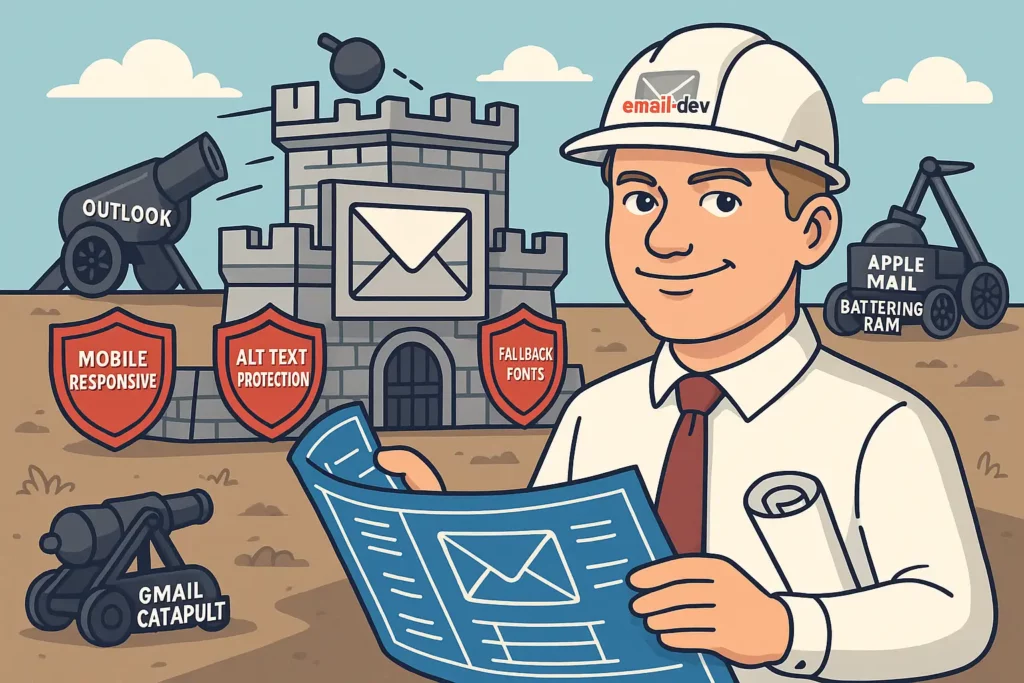
Email clients are not neutral delivery vehicles. They actively transform your HTML – stripping CSS, ignoring fonts, caching images in ways that break dynamic content, rendering table structures as nested chaos. The standard design process – create something in a modern preview tool, polish it until it looks right, then send – is backwards for email. Start with the most restrictive clients and build your design to work there first. Layer on enhancements for clients that support more features.
The classic desktop Outlook for Windows is still your baseline. It uses the Word 2007 rendering engine to interpret HTML – a document processor doing a job it was never designed for – and handles CSS accordingly. Worth knowing the current state of things: Microsoft began rolling out the new Outlook for Windows in January 2025 for Business Standard/Premium users, and the new version uses a web-based rendering engine similar to Outlook.com, with considerably better CSS support. Enterprise users were originally scheduled for the mandatory opt-out phase in April 2026, but that’s been pushed back to March 2027. Classic Outlook installations are committed to support until at least 2029. So for the foreseeable future you’re still writing for both rendering engines simultaneously – though the conditional comment workarounds that handle the old Word engine are harmlessly ignored by the new version, which makes the dual-target approach manageable.
Design constraints that actually matter:
Single-column layouts are reliable across clients. Multi-column layouts can stack incorrectly or overlap in various clients – achievable, but they need more careful construction and more thorough testing.
Web fonts via @font-face are well-supported in Apple Mail and iOS Mail. In Gmail, classic Outlook for Windows, and Yahoo Mail – and most other major clients – they’re not supported. Your carefully chosen typeface falls back silently to whatever system font the client defaults to, which may or may not behave the way your design expects. Always specify a fallback font stack that fails gracefully.
Solid background colors work consistently. Simple CSS gradients render in most modern clients. More complex gradient implementations and CSS background images need fallbacks because they’ll fail in some clients entirely, leaving you with transparent or white areas your design didn’t account for.
Alt text on images matters more than most people think. Several major clients block images by default, and Gmail proxies images through its own servers, which affects loading behavior for dynamic or time-sensitive content. If your email only makes sense with images visible, it doesn’t fully work for a meaningful portion of your audience.
The progressive enhancement approach:
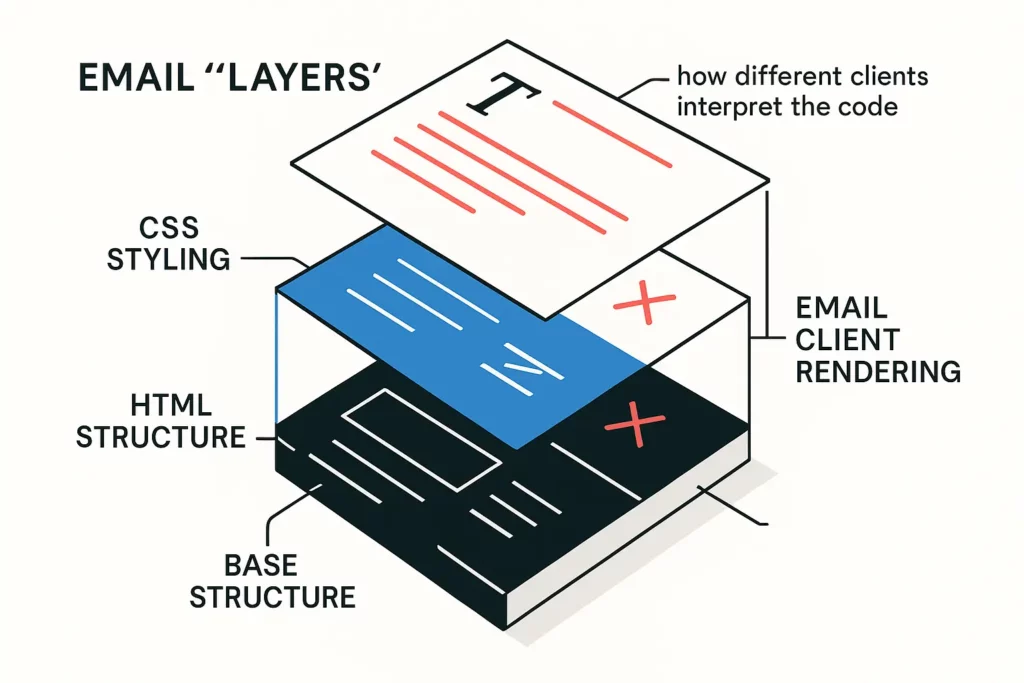
Build a base version that functions when images don’t load, when custom fonts fall back to system fonts, and when complex CSS gets stripped. That base version should look intentional and professional, not like a broken shell.
Add enhancements that degrade gracefully. If the enhanced version fails – web font doesn’t load, gradient doesn’t render – the email should still communicate clearly. Test during development, not just at the end. Catching rendering issues while you’re still in the code is considerably cheaper than finding them after the email is fully built and scheduled.
Your testing workflow:
Litmus and Email on Acid provide fast previews across a wide range of client and device combinations – useful for a quick scan through the major clients, but not a complete substitute for real device testing. Screenshot-based previews sometimes miss rendering differences that only show up on actual hardware.
Build a standard checklist and use it every time: text readability, button visibility and functionality, image loading and alt text fallback, layout integrity at different widths, mobile rendering. Running the same checklist under deadline pressure is when it matters most, because that’s when things get skipped.
Step 6: Track metrics that predict money instead of measuring vanity
Open rates have a data quality problem. Apple’s Mail Privacy Protection (MPP), which launched in September 2021 with iOS 15, pre-fetches email content – including tracking pixels – through Apple’s own servers before recipients actually open the email. This inflates reported open rates in ways that make them unreliable as a measure of genuine engagement, especially for lists with significant Apple Mail usage. Click tracking is not affected by MPP, which is one reason click-based metrics have become the more reliable engagement signal post-2021.
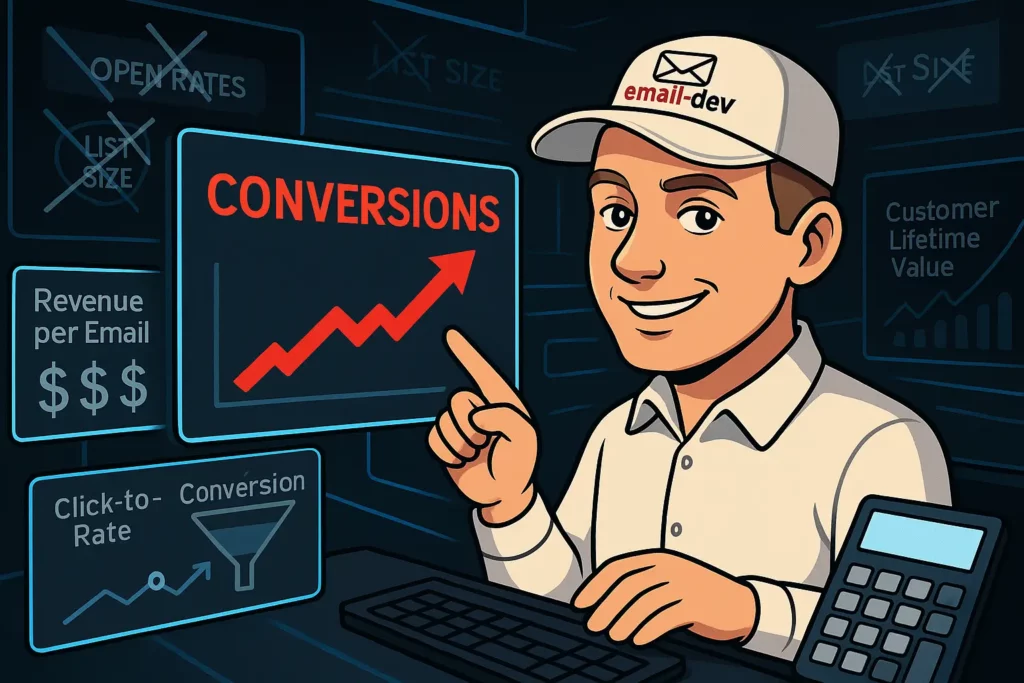
But even click rates only measure activity, not outcomes. The metrics worth building your strategy around are the ones that connect email behavior to actual business results.
The metrics that actually predict revenue:
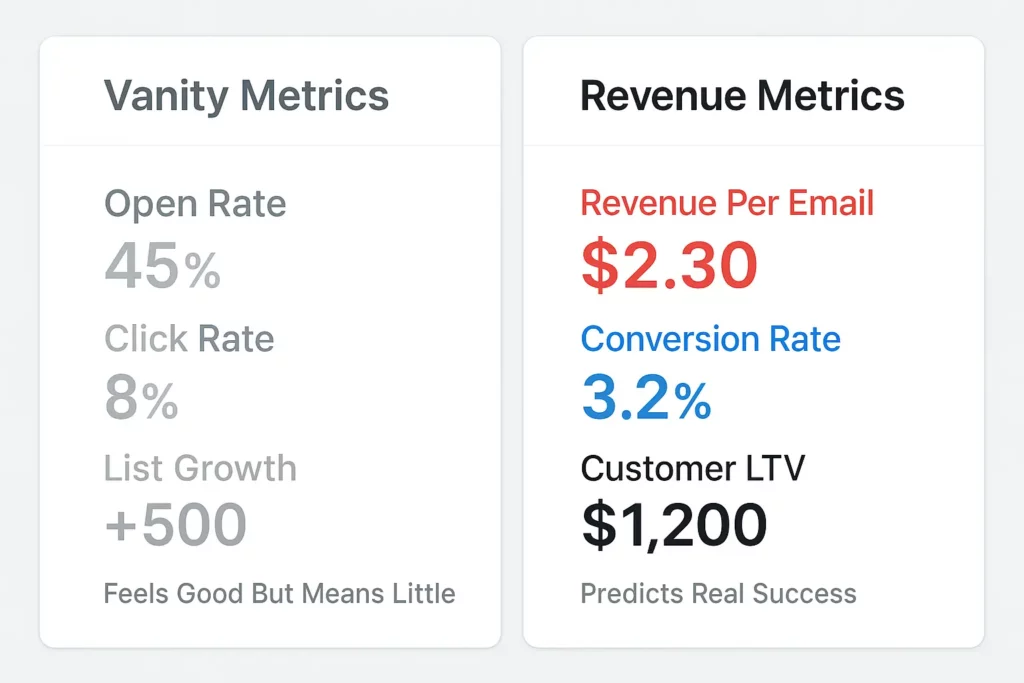
Revenue per email sent: total email-generated revenue for a period divided by total emails sent. This accounts for both engagement and conversion, giving you a single number that reflects the actual business impact of your email program rather than just how many people clicked something. It’s harder to track than open rate, which is probably why most people don’t bother, but it’s the number that actually tells you whether email is working.
Click-to-conversion rate: what percentage of people who click actually take the next intended action – complete a purchase, book a call, sign up for something. This tells you whether your emails are attracting people who are genuinely interested or just curious browsers who don’t convert.
Time from signup to first purchase: how long does your nurturing process typically take? If the answer is six months, that’s useful information. It might mean your early-stage conversion tactics need work, or your lead qualification could be tighter, or it might be entirely normal for your particular offer type. You can’t optimize it without tracking it.
Customer lifetime value by email source: which campaigns and content types produce customers who spend more and stay longer? That tells you where to focus your content creation effort.
The implementation challenge:
Tracking these deeper metrics requires connecting your email platform to your analytics and CRM. Most ESPs surface engagement data – opens, clicks, unsubscribes – but not downstream business outcomes. UTM parameters on all email links let you trace the full path from email click to purchase in your analytics platform. Custom conversion goals that align with actual business objectives, rather than just email engagement objectives, give you something meaningful to optimize against.
What to stop measuring:
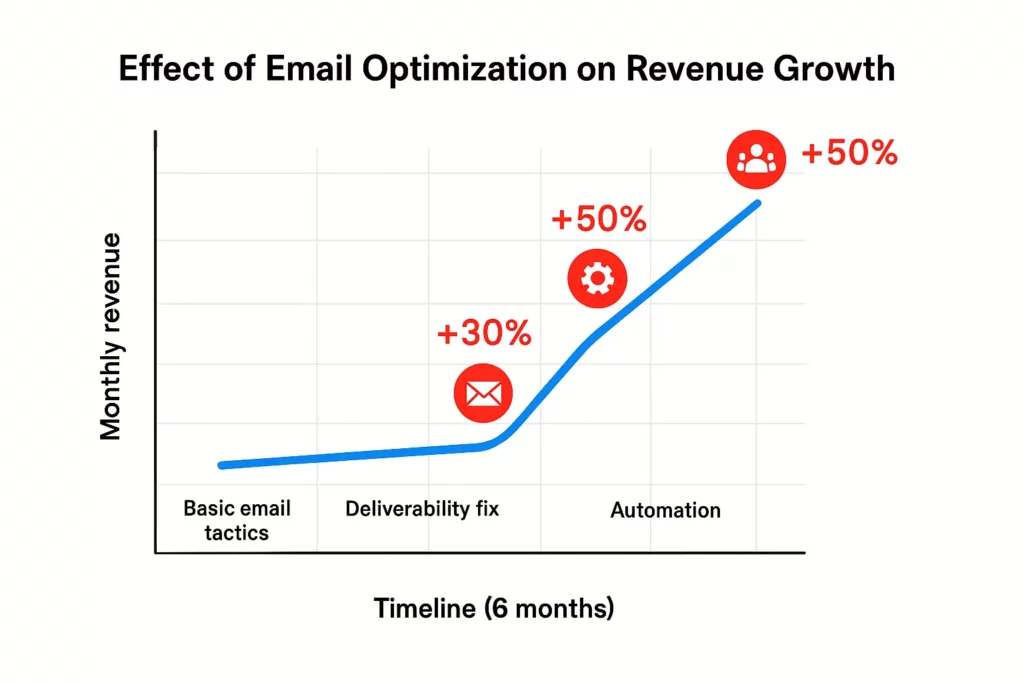
Open rates: still worth tracking for rough directional benchmarking if your list skews heavily toward non-Apple Mail users, but don’t build your optimization strategy around a metric that’s been significantly compromised by privacy pre-fetching.
Total list size without context: a large list of disengaged subscribers actively hurts your deliverability. List size alone is a vanity number.
Raw click rate without conversion context: a 2% click rate on a direct sales email may produce significantly more revenue than an 8% click rate on a general newsletter. The numbers need context before they mean anything useful.
Step 7: Build systems that don’t burn out your audience
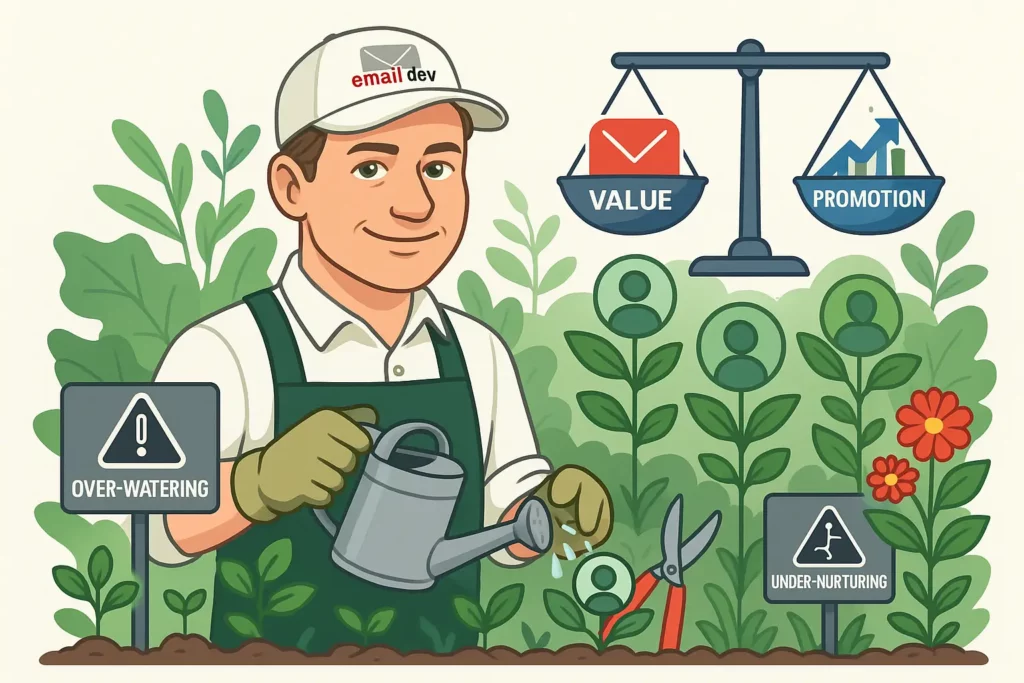
Aggressive short-term engagement tactics – high send frequency, heavy promotional pressure, urgency manufacturing in every email – sometimes produce short-term results. They also reliably produce long-term list damage. Subscribers who feel like every email is extracting something from them develop a kind of immunity to it. Eventually they either unsubscribe or stay on the list and silently stop engaging, which is almost worse from a deliverability standpoint because you’re still sending to an address that’s going nowhere.
The long-term approach:
Send frequency should match your content quality and what subscribers signed up expecting. Sending daily because “staying top of mind” is a goal produces a lot of emails that don’t justify the inbox real estate they’re asking for. If you have genuinely valuable content to send daily, that’s a defensible position. If you’re filling frequency slots because the content calendar says to, you’re gradually training people to skim-and-archive your sender name.
The ratio of value content to promotional content matters – though the right ratio varies by audience and business model. The general principle holds: provide consistent value before the ask, and the ask will land better.
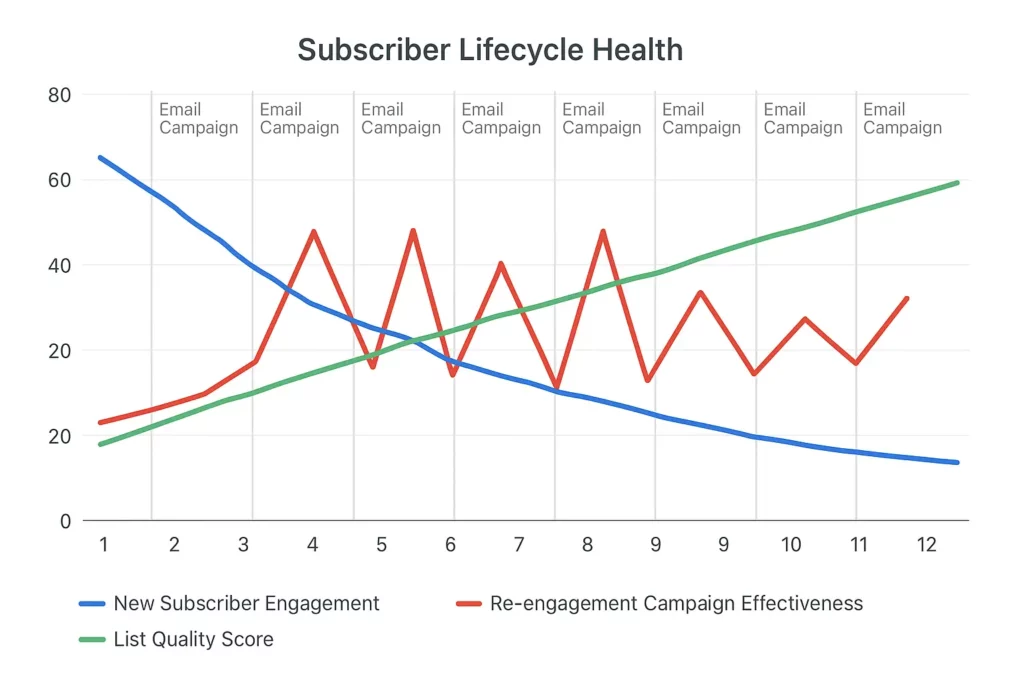
List cleaning is one of those tasks everyone knows they should do and most people put off because shrinking your subscriber count feels like going backwards. But subscribers who haven’t engaged in six months or more are hurting your deliverability metrics and distorting your engagement data. Run re-engagement campaigns first – give people a clear, simple reason to opt back in. If they don’t respond, remove them from your active list. A smaller, genuinely engaged list consistently outperforms a large, disengaged one.
Monitoring subscriber health:
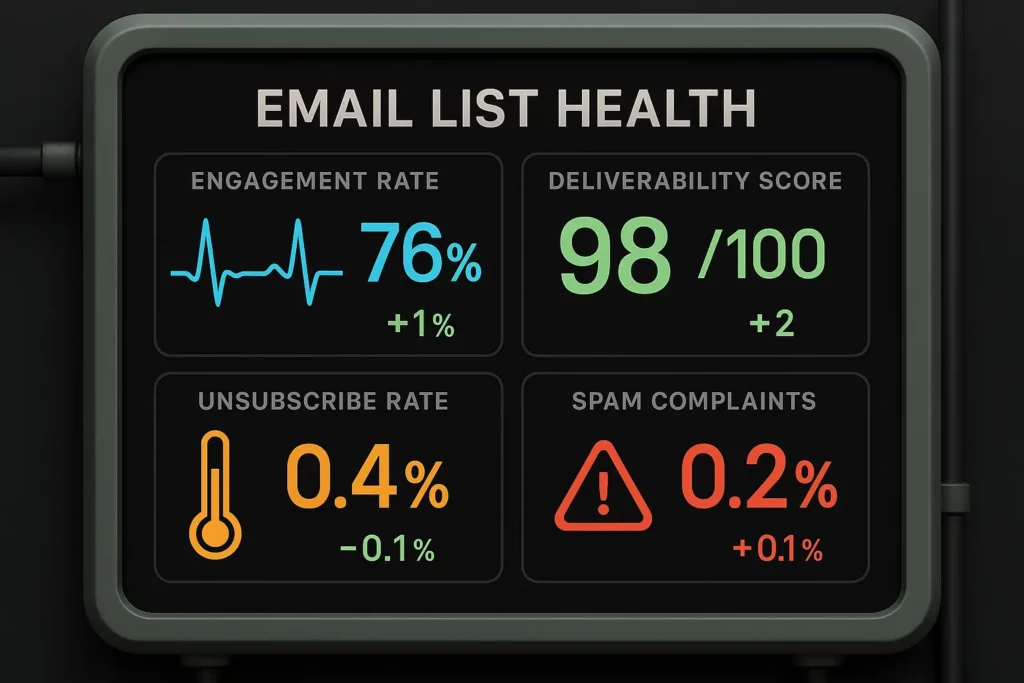
Watch engagement trends over time, not just point-in-time snapshots. Are new subscribers engaging at rates comparable to your overall list? Are long-term subscribers maintaining their engagement or gradually dropping off? The trend line matters as much as the current number.
Unsubscribe rate spikes after specific types of emails are useful signal. They tell you which content or messaging isn’t resonating – information worth paying attention to rather than explaining away.
Spam complaint rates directly affect deliverability. Even modest increases affect your sender reputation, which affects inbox placement across your entire list – not just for the people who complained.
Your retention strategy:
Ask your most engaged subscribers what they find valuable. A direct question in an email to a highly engaged segment works fine – it doesn’t need to be a formal survey apparatus. Use those answers to inform what you keep doing and what you cut.
Preference centers that let subscribers choose their email frequency and content type reduce the binary unsubscribe rate. Some people don’t want to leave your list – they just want fewer emails or a different content mix.
Don’t wait until subscribers have fully checked out to run win-back campaigns. Watch for declining engagement patterns and reach out earlier, when there’s still something to recover. The ones who don’t respond to a re-engagement attempt – let them go without guilt.
The reality about email marketing plans that work
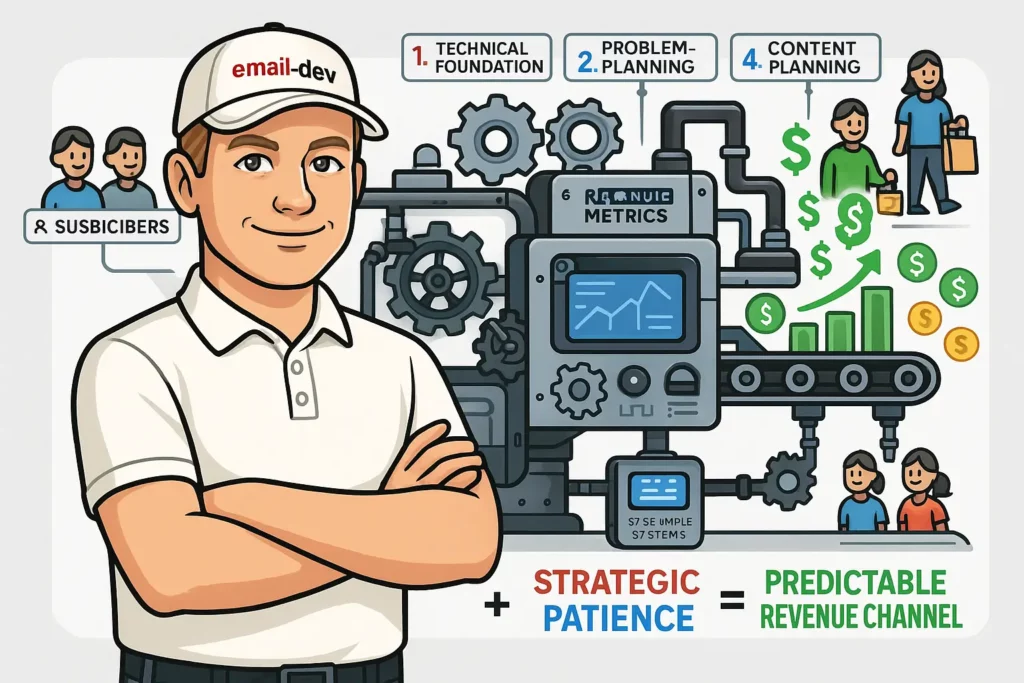
Most email marketing advice makes implementation sound more straightforward than it is. “Write good subject lines, segment your list, send valuable content, track your results” – all true, and none of it gets into the actual difficulty of building a system that holds together under real conditions.
A working email marketing plan deals with email client rendering behavior that can change without warning, privacy features that shift what you can measure, subscriber expectations that vary widely across different audience segments, and the constant tension between showing results on a short timeline and building something that actually lasts.
The businesses that build durable email programs do it by taking the technical constraints seriously – not treating email clients as neutral delivery pipes – and by building content systems that meet subscribers where they actually are. They measure outcomes, not just activity. They maintain list health before problems show up in deliverability data. And they accept that some of what makes a good email marketing plan work is genuinely unglamorous to build and maintain.
That’s the honest version of what this looks like. The interesting strategic work doesn’t exist in isolation from the technical plumbing – it depends on it. Build that foundation first, then the rest of the plan has something solid to stand on.