
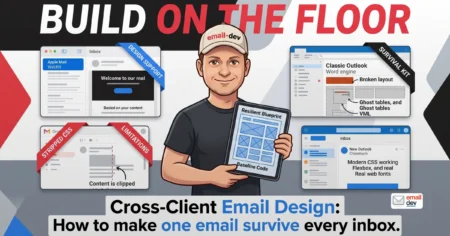
Cross-client email design
Quick answer: Cross-client email design means building one email that keeps its shape, message, and call...

0
22
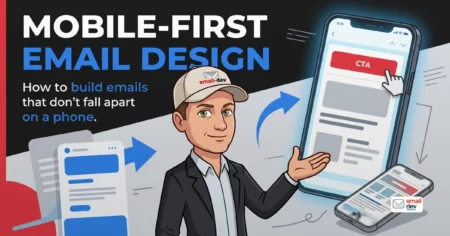
Mobile-first email design: how to build emails that don’t fall apart on a phone
Quick answer: Mobile-first email design means building the email for the smallest, most constrained screen...
0
55
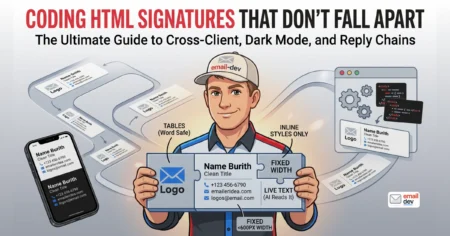
How to code an HTML email signature that doesn’t fall apart
Quick answer: To code an HTML email signature, build it as one nested <table> with role="presentation",...
0
60
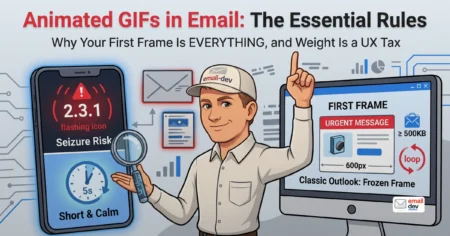
Using animated GIFs in email – what works and what breaks
Here's the failure mode with animated GIFs in email that keeps burning people, and it's almost always...
0
65
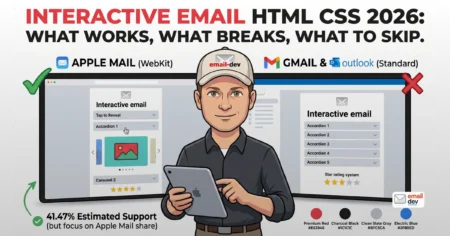
Interactive email HTML CSS – what works, what breaks, what to skip
Quick answer: Interactive email HTML CSS means building state changes into an email using HTML form inputs...
0
73
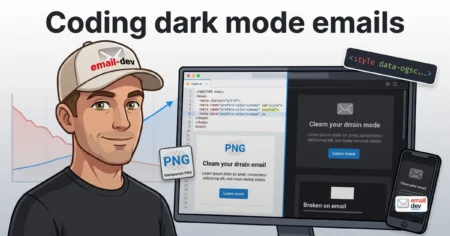
Coding dark mode emails – best practices and considerations
Quick answer: Coding a dark mode email means writing HTML and CSS that survives three different client...
0
99
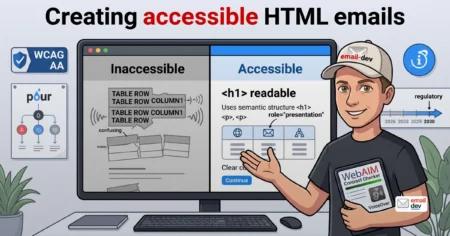
Creating accessible HTML emails – WCAG guidelines for email
Most email developers have never heard their own work read out loud, and it shows. An accessible HTML...
0
80
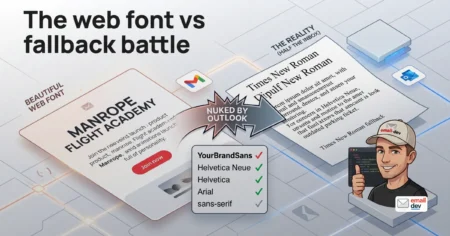
Web fonts in email – working with web fonts vs fallbacks
Quick answer: Web fonts in HTML email load only in clients that fetch external fonts - mainly Apple Mail,...
0
129
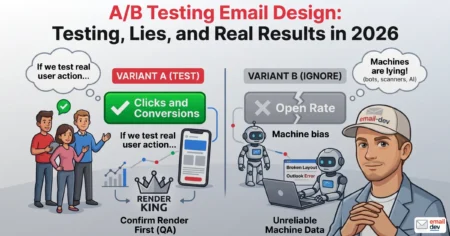
A/B testing email design elements: what to test, what to ignore
Quick answer: A/B testing email design elements means changing one visual variable - a CTA button, a...
0
150
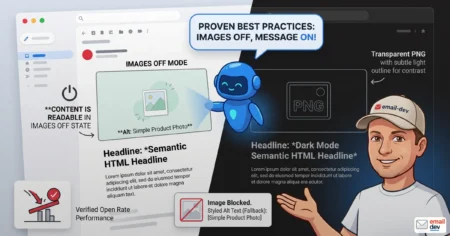
Email image best practices
Quick answer: Email image best practices come down to one rule that most guides bury at the bottom.
0
152
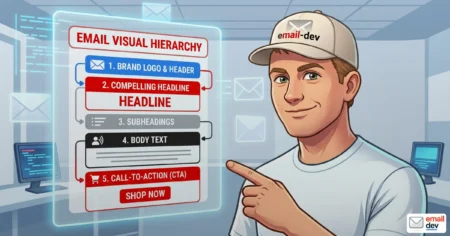
Email visual hierarchy that survives Outlook, dark mode, AI summary
Quick answer: Email visual hierarchy is the deliberate ordering of elements - by size, weight, color,...
0
165
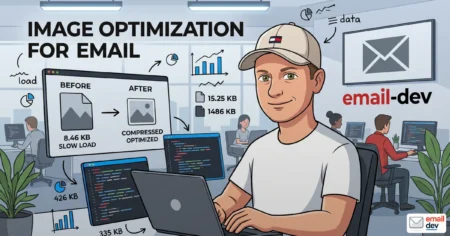
Image optimization for email: formats, sizes, and compression
Quick answer: Image optimization for email means picking a format every client can actually render (JPEG...
0
177