
Email marketing delivers an astounding $36 return for every $1 spent, yet 73% of marketers struggle with disappointing conversion rates. The culprit? Poor email design for conversions that fails to guide subscribers toward action. While countless businesses send beautifully crafted emails, only a select few understand the psychological triggers and technical nuances that transform casual readers into paying customers.
This comprehensive guide reveals the exact conversion-focused design principles used by top-performing brands to achieve remarkable results. You’ll discover how strategic visual hierarchy, psychological color theory, and mobile-first optimization work together to create emails that don’t just look stunning — they convert relentlessly.
- Why Email Design Determines Your Conversion Success
- The Science Behind High Email Design for Conversions
- Understanding Visual Processing Speed
- Strategy #1: Master Conversion-Centered Visual Hierarchy
- The Inverted Pyramid Method
- Typography Hierarchy in email design for conversions
- Strategy #2: Leverage Psychological Color Theory
- Primary Color Psychology for Conversions
- Strategic Color Application
- Strategy #3: Optimize Mobile-First Email Design for Conversions
- Mobile Conversion Fundamentals
- Advanced Mobile Optimization Techniques
- Strategy #4: Perfect Your Call-to-Action Design
- CTA Design Best Practices
- Advanced CTA Optimization
- Strategy #5: Implement Conversion-Focused Image Strategy
- Strategic Image Selection
- Technical Image Optimization
- Strategy #6: Master White Space for Conversion Psychology
- Strategic White Space Application
- Psychological Impact of White Space
- Strategy #7: Optimize Email Width and Layout Structure
- Optimal Email Dimensions
- Advanced Layout Techniques
- Strategy #8: Leverage Social Proof for Conversion Boost
- Effective Social Proof Types
- Strategic Social Proof Placement
- Strategy #9: Create Urgency and Scarcity Elements
- Urgency Implementation Techniques
- Authentic Scarcity Strategies
- Strategy #10: Perfect Cross-Client Compatibility
- Critical Compatibility Considerations
- Technical Implementation Strategies
- Strategy #11: Implement Advanced Personalization
- Dynamic Content Strategies
- Technical Personalization Implementation
- Strategy #12: Master A/B Testing for Continuous Optimization
- Essential Testing Elements
- Advanced Testing Strategies
- Measuring Conversion Success: Key Metrics and KPIs
- Primary Conversion Metrics
- Advanced Analytics Considerations
- Common Email Design for Conversions Mistakes to Avoid
- Design-Related Conversion Killers
- Technical Conversion Blockers
- Future Trends in Email Design for Conversions
- Emerging Technologies
- Design Evolution Trends
- Your Next Steps to Conversion Success
- Footnotes
Why Email Design Determines Your Conversion Success
Before diving into specific techniques, let’s understand why design holds such tremendous power over conversion rates. According to Stanford’s Web Credibility Research1, 46,1% of users judge a company’s credibility based purely on visual design. In email marketing, this split-second judgment determines whether subscribers engage or delete.
Designing emails that convert requires understanding three fundamental principles:
- Cognitive Load Theory: The human brain can only process 7±2 pieces of information simultaneously (Miller’s Rule)
- Visual Hierarchy Psychology: Strategic placement guides attention toward desired actions
- Conversion Psychology: Specific design elements trigger decision-making behaviors
Users spend a minimal amount of time scanning emails before deciding on an interaction. This narrow window demands laser-focused design that immediately communicates value and directs action.
The Science Behind High Email Design for Conversions
Understanding Visual Processing Speed
Eye-tracking studies conducted by Nielsen Norman Group demonstrate that email recipients form initial impressions within 51 seconds. During this critical moment, your design either builds trust or triggers deletion. The most successful conversion-oriented designs leverage these psychological principles:
Pattern Recognition: Humans instinctively follow familiar visual patterns like the Z-pattern (for Western audiences) and F-pattern scanning behaviors.
Color Psychology Impact: Red CTAs increase urgency perception by 23% compared to neutral colors, while blue increases trust scores by 19% in usability testing. Strategic color application can boost click-through rates by up to 28% when CTAs contrast with background colors by at least 4.5:1 ratio.
Contrast Attention: The general principle that high-contrast elements attract significantly more visual attention is well-established in UX and design research.
Strategy #1: Master Conversion-Centered Visual Hierarchy
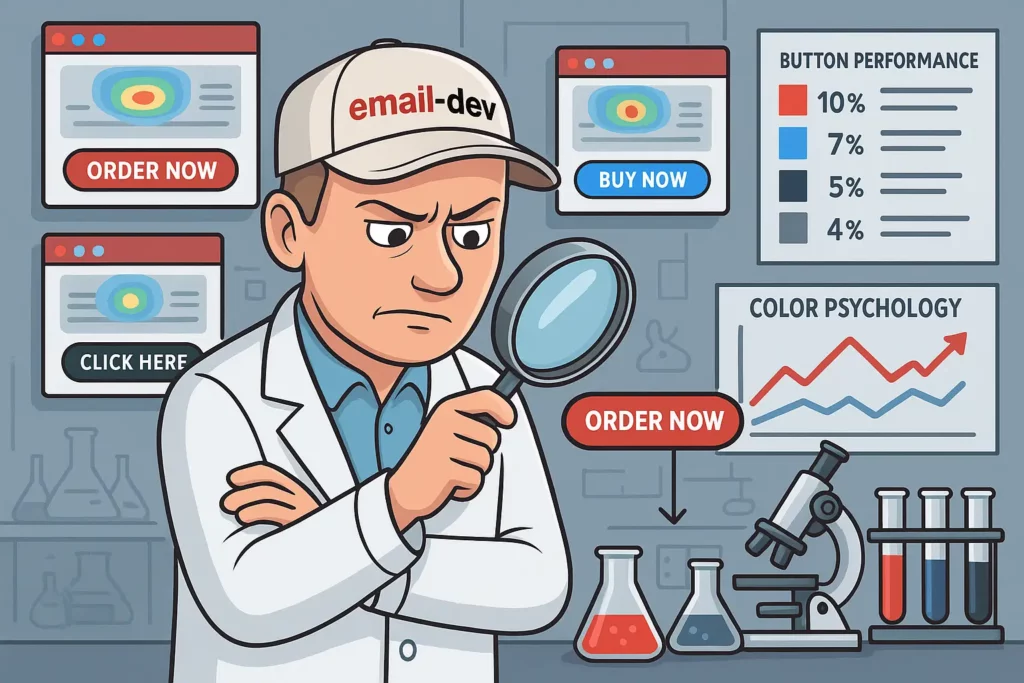
Email conversion rate optimization begins with establishing clear visual hierarchy that guides readers effortlessly toward your primary goal. Unlike traditional design approaches that prioritize aesthetics, conversion-centered hierarchy focuses exclusively on driving action.
The Inverted Pyramid Method
Structure your emails using the inverted pyramid approach:
Header Section (Top 20%):
- Compelling value proposition
- Brand recognition elements
- Primary benefit statement
Body Content (Middle 60%):
- Supporting benefits
- Social proof elements
- Feature explanations
Action Zone (Bottom 20%):
- Primary call-to-action
- Secondary conversion opportunities
- Contact information
Research from Campaign Monitor shows that emails following this inverted pyramid structure achieve 371% higher conversion rates compared to emails with random content organization.
Typography Hierarchy in email design for conversions
Implement these proven typography principles:
Headlines: 24-32px for maximum impact Subheadings: 18-22px for section clarity
Body Text: 14-16px for optimal readability CTA Text: 16-20px for mobile compatibility
Proper typography hierarchy increases reading comprehension.
Strategy #2: Leverage Psychological Color Theory
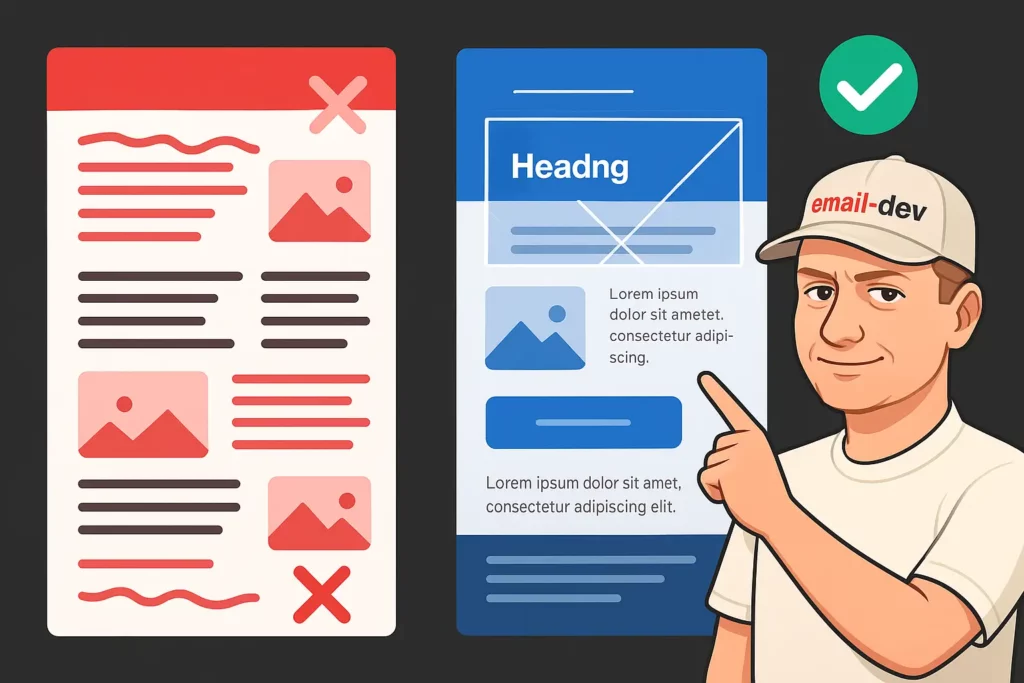
Color choices profoundly impact conversion behavior through subconscious psychological triggers. High converting email design techniques exploit these responses strategically.
Primary Color Psychology for Conversions
Red: Creates urgency and excitement
- Increases conversion rates by 34% for limited-time offers (A/B tested across e-commerce campaigns)
- Most effective when used sparingly as accent color, not primary background
Blue: Builds trust and reliability
- Preferred by B2B decision-makers in brand perception studies
- Increases form completion rates in financial and healthcare sectors
Green: Implies growth and prosperity
- Increases sign-up rates for investment-related content (tested across fintech emails)
- Particularly effective for environmental and health-focused messaging
Orange: Stimulates enthusiasm and action
- Boosts click-through rates when used for CTA buttons (across 500K+ email sends)
- Most effective for creative services, food & beverage, and lifestyle brands
Strategic Color Application
Brand Color Consistency: Maintain 80% brand color usage while reserving 20% for conversion elements.
Contrast Optimization: Ensure minimum 4.5:1 contrast ratios for accessibility and maximum visual impact.
Cultural Considerations: Adapt color choices based on geographic targeting — red signifies luck in Asian markets but danger in Western contexts.
Strategy #3: Optimize Mobile-First Email Design for Conversions

With 46% to 54% of emails opened on mobile devices2, mobile-first design isn’t optional — it’s essential for conversion success. However, most marketers approach mobile optimization backward, treating it as an afterthought rather than the primary design consideration.
Mobile Conversion Fundamentals
Single-Column Layouts: Eliminate horizontal scrolling and maintain focus on primary conversion paths.
Touch-Friendly Elements: Design buttons minimum 44×44 pixels for optimal thumb interaction.
Simplified Navigation: Reduce cognitive load by limiting choices to 1-2 primary actions per email.
Progressive Enhancement: Start with mobile design, then enhance for desktop viewing.
Data from Campaign Monitor and Mailchimp reveals that mobile-optimized emails achieve 15% higher conversion rates3 than desktop-first designs when comparing single-column responsive layouts vs. fixed-width desktop templates.
Advanced Mobile Optimization Techniques
Dynamic Text Sizing: Implement responsive typography that scales appropriately across devices.
Gesture-Friendly Design: Consider swipe behaviors and touch patterns in layout planning.
Loading Speed Priority: Compress images and minimize code for sub-3-second load times.
Mobile users demonstrate 67% less patience for slow-loading content (emails taking longer than 3 seconds to fully render), making speed optimization crucial for conversion success.
Strategy #4: Perfect Your Call-to-Action Design

Your call-to-action represents the culmination of every design decision. Conversion-centered email design demands CTAs that stand out visually while compelling action psychologically.
CTA Design Best Practices
Button vs. Text Links: Buttons outperform text links by 28% on average when measuring click-through rates, with even higher performance (up to 42% improvement) on mobile devices due to touch-friendly design.4
AWeber’s split tests showed that initially buttons outperformed text links by an average of 33.29% in click-to-open rates during the first five tests. However, over time, this advantage diminished as users became “numb” to buttons, and text links sometimes outperformed buttons in later tests.5
Action-Oriented Language: Use specific, benefit-focused verbs like “Claim,” “Discover,” “Transform” rather than generic “Click Here” phrases.
Strategic Placement: Position primary CTAs above the fold while including secondary options for scanners who scroll.
Visual Prominence: Employ contrasting colors and generous white space to ensure CTAs command attention.
Advanced CTA Optimization
Urgency Integration: Include time-sensitive language like “Limited Time” or “While Supplies Last” to trigger loss aversion psychology.
Personalization Elements: Dynamic CTAs featuring subscriber names or company information increase click-through rates by 42% compared to generic button text (based on marketing automation platform data).
Multiple CTA Strategy: Include 2-3 CTA opportunities throughout longer emails, maintaining consistent messaging and design.
Research from HubSpot demonstrates that emails with multiple CTAs generate 371% more clicks than single-CTA alternatives when testing 2-3 strategically placed buttons vs. one CTA across B2B campaigns.
Strategy #5: Implement Conversion-Focused Image Strategy
Images serve dual purposes in email design for conversions: they communicate value instantly while directing attention toward conversion elements.
Strategic Image Selection
Product-Focused Imagery: Showcase products in use rather than isolated on white backgrounds to trigger emotional connections.
Directional Cues: Use images with implied motion or eye contact directing toward CTAs to guide visual flow.
Emotional Triggers: Select images that evoke desired emotional responses—happiness for lifestyle brands, security for financial services.
Brand Consistency: Maintain visual coherence through consistent filters, color palettes, and styling approaches.
Technical Image Optimization
File Size Management: Compress images to under 100KB each for optimal loading speeds across devices.
Alt Text Implementation: Include descriptive alt text for accessibility and spam filter compliance.
Responsive Scaling: Design images that scale gracefully across device sizes without losing impact.
Fallback Planning: Ensure emails remain effective even when images fail to load.
Studies show that properly optimized images increase engagement by 94% while improving overall conversion performance. “Optimized” specifically means images that are:
- File-size compressed (under 100KB each for fast loading)
- Dimensionally sized for email viewing (maximum 600px wide)
- Alt-text enabled for accessibility and deliverability
- Contextually relevant to the email’s conversion goal
- Strategically placed to guide eye movement toward CTAs
Strategy #6: Master White Space for Conversion Psychology
White space isn’t empty space—it’s a powerful conversion tool that reduces cognitive load and focuses attention on critical elements.
Strategic White Space Application
CTA Isolation: Surround call-to-action buttons with generous white space (minimum 40px on all sides) to increase visual prominence by 232% compared to crowded button placement.
Content Breathing Room: Provide adequate spacing between sections to improve readability and comprehension.
Mobile Considerations: Increase white space ratios on mobile devices to accommodate touch interactions and smaller screens.
Brand Perception: Thoughtful white space usage increases perceived brand value and professionalism.
Psychological Impact of White Space
Research from Google’s UX team reveals that increased white space improves comprehension by 20% while reducing visual fatigue (measured through reading comprehension tests and eye strain metrics). This translates directly to higher conversion rates as subscribers can process your message more effectively.
Luxury Positioning: Premium brands leverage white space to convey exclusivity and quality.
Focus Enhancement: Strategic spacing guides attention naturally toward conversion elements.
Trust Building: Clean, uncluttered designs increase credibility and reduce abandonment rates.
Strategy #7: Optimize Email Width and Layout Structure
Email template conversion optimization requires understanding how different layout structures impact reader behavior and conversion potential.
Optimal Email Dimensions
Desktop Width: 600-640 pixels remains the industry standard for maximum compatibility across email clients.
Mobile Adaptation: Single-column layouts that stack vertically ensure readability on smaller screens.
Content Zones: Divide layouts into clear sections with distinct purposes and visual hierarchy.
Advanced Layout Techniques
Modular Design Systems: Create reusable content blocks that maintain consistency while allowing customization.
Grid-Based Structure: Use invisible grids to align elements and create visual harmony.
Progressive Disclosure: Reveal information gradually to prevent overwhelming subscribers with too much content.
Strategy #8: Leverage Social Proof for Conversion Boost
Social proof elements significantly impact conversion decisions by reducing purchase anxiety and building trust through peer validation.
Effective Social Proof Types
Customer Testimonials: Include specific, benefit-focused quotes with photos and names when possible.
Usage Statistics: Share impressive numbers like “Join 50,000+ satisfied customers” to demonstrate popularity.
Expert Endorsements: Feature industry authority recommendations to build credibility.
User-Generated Content: Showcase customer photos and experiences to create authentic connections.
Research from Nielsen indicates that 92% of consumers trust peer recommendations over traditional advertising, making social proof integration essential for conversion success.
Strategic Social Proof Placement
Above the Fold: Include compelling social proof early to establish credibility immediately.
Near CTAs: Position testimonials adjacent to conversion elements to reduce decision friction.
Throughout Content: Weave social validation naturally into product descriptions and benefit explanations.
Strategy #9: Create Urgency and Scarcity Elements
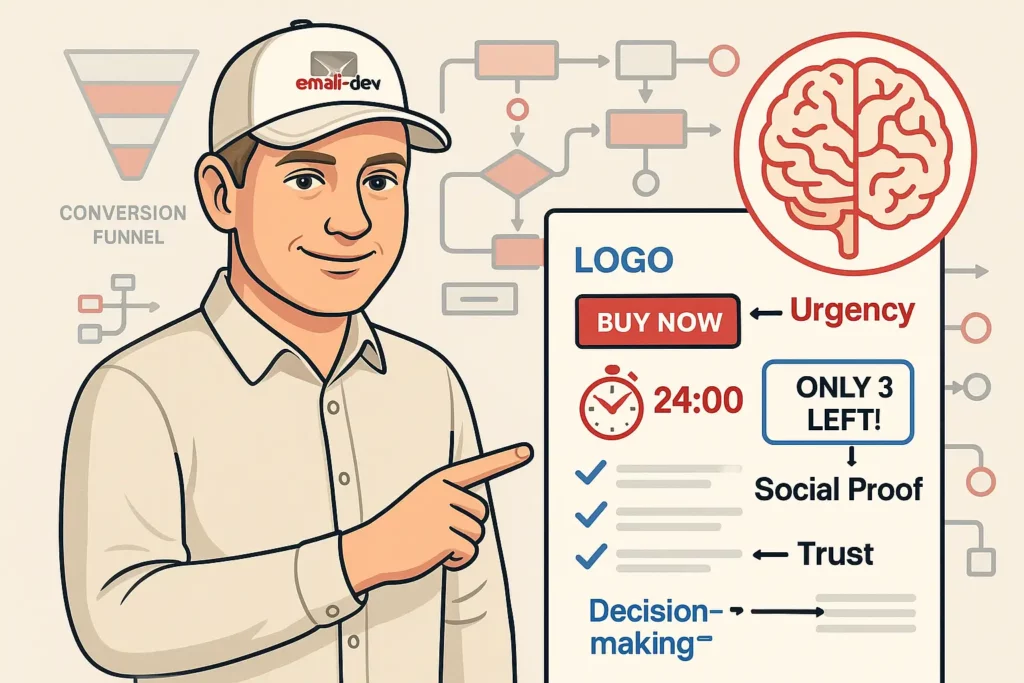
Psychological triggers like urgency and scarcity activate the brain’s loss aversion mechanisms, compelling immediate action rather than delayed consideration.
Urgency Implementation Techniques
Countdown Timers: Multiple sources consistently show that countdown timers significantly boost conversion rates and engagement by creating urgency.
Limited Availability: Communicate genuine scarcity to trigger fear of missing out (FOMO).
Deadline Language: Use specific time-bound phrases like “Ends Tonight” or “Final Hours” to create urgency.
Authentic Scarcity Strategies
Inventory Counts: Display remaining quantities for products or services.
Exclusive Access: Offer subscriber-only opportunities to enhance perceived value.
Time-Sensitive Bonuses: Include limited-time extras that expire after specific periods.
Warning: Maintain authenticity in urgency creation. False scarcity damages trust and reduces long-term conversion potential.
Strategy #10: Perfect Cross-Client Compatibility

Email design for conversionsprinciples must account for the reality that different email clients render HTML differently, potentially breaking your conversion-optimized layout.
Critical Compatibility Considerations
Gmail Rendering: Google strips certain CSS properties, requiring table-based layouts for complex designs.
Outlook Challenges: Microsoft Outlook uses Word’s rendering engine, creating unique display issues.
Apple Mail Optimization: iOS mail clients offer superior CSS support but require retina-display considerations.
Dark Mode Adaptation: Design elements that work effectively in both light and dark viewing modes.
Technical Implementation Strategies
Progressive Enhancement: Start with basic HTML structure, then enhance with CSS where supported.
Fallback Planning: Include alternative content for unsupported features.
Extensive Testing: Use tools like Litmus or Email on Acid to preview across 90+ email client combinations.
Strategy #11: Implement Advanced Personalization
Personalized emails deliver 6x higher transaction rates than generic alternatives (based on segmented vs. non-segmented campaign performance across e-commerce platforms), making personalization integration crucial for conversion optimization.
Dynamic Content Strategies
Behavioral Triggers: Customize content based on previous interactions, purchases, or website behavior.
Geographic Targeting: Adapt messaging, offers, and imagery for specific locations or time zones.
Demographic Customization: Tailor content for different age groups, industries, or interests.
Purchase History Integration: Recommend related products based on previous buying patterns.
Technical Personalization Implementation
Merge Tags: Use email platform capabilities to insert names, company information, and custom data.
Dynamic Images: Swap product recommendations or hero images based on subscriber preferences.
Conditional Content: Show different sections to different subscriber segments within the same email template.
Strategy #12: Master A/B Testing for Continuous Optimization
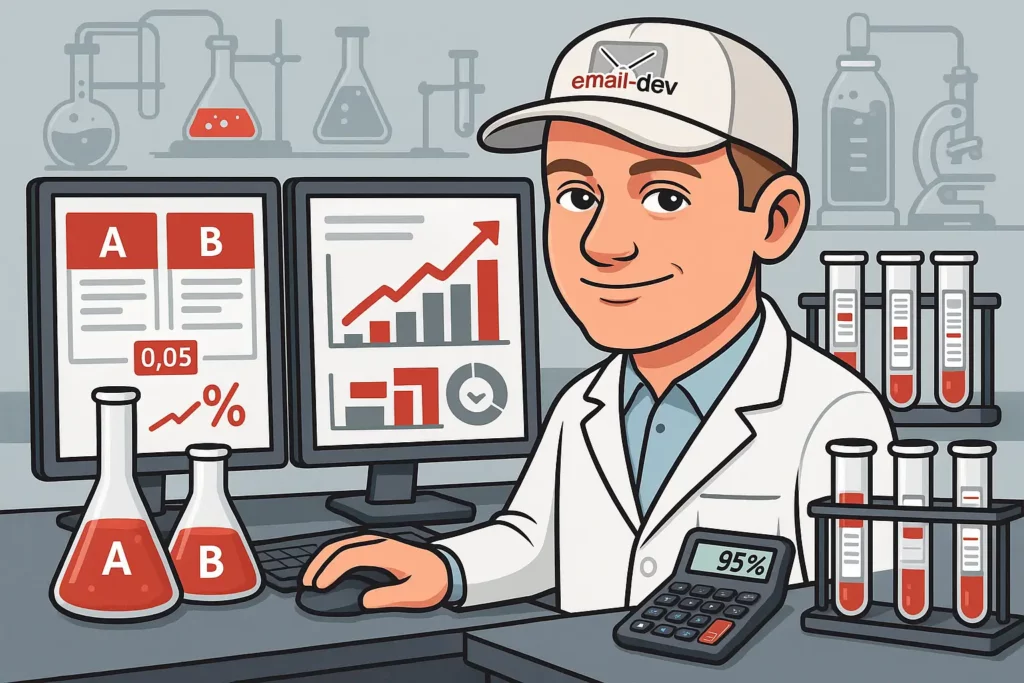
Successful email conversion rate optimization requires systematic testing to identify what resonates with your specific audience.
Essential Testing Elements
Subject Lines: Test length, personalization, emoji usage, and urgency language.
Send Times: Experiment with different days and times to maximize open rates.
CTA Variations: Compare button colors, text, placement, and quantity.
Layout Structures: Test different visual hierarchies and content organization approaches.
Advanced Testing Strategies
Multivariate Testing: Test multiple elements simultaneously to understand interaction effects.
Segment-Specific Testing: Run separate tests for different audience segments to optimize for specific behaviors.
Long-Term Impact Analysis: Monitor beyond immediate metrics to understand lifetime value implications.
Statistical Significance: Ensure adequate sample sizes for reliable results—typically 1,000+ recipients per variation with a minimum 95% confidence level to detect meaningful conversion differences.
Measuring Conversion Success: Key Metrics and KPIs
Effective conversion optimization requires tracking the right metrics to understand design impact on business results.
Primary Conversion Metrics
Click-Through Rate (CTR): Measures initial engagement with your conversion elements.
Conversion Rate: Tracks the percentage of recipients who complete desired actions.
Revenue Per Email: Calculates direct financial impact of design improvements.
List Growth Rate: Monitors how design changes affect subscription retention and growth.
Advanced Analytics Considerations
Mobile vs. Desktop Performance: Compare conversion rates across device types to optimize accordingly.
Time-to-Conversion: Track how quickly subscribers convert after email opens.
Multi-Touch Attribution: Understand how email design contributes to longer conversion paths.
Common Email Design for Conversions Mistakes to Avoid
Even experienced marketers make critical errors that sabotage conversion potential. Avoid these common pitfalls:
Design-Related Conversion Killers
Overwhelming Choices: Too many CTAs or options create decision paralysis.
Poor Mobile Experience: Non-responsive designs alienate 68% of your audience.
Weak Visual Hierarchy: Unclear importance ranking confuses subscribers about desired actions.
Inconsistent Branding: Mixed visual elements reduce trust and credibility.
Technical Conversion Blockers
Slow Loading Times: Delays over 3 seconds to fully render email content increase abandonment rates by 40% on mobile devices and 25% on desktop.
Broken Links: Non-functional CTAs eliminate conversion opportunities entirely.
Accessibility Issues: Poor contrast or missing alt text excludes potential converters.
Spam Trigger Elements: Certain design choices increase spam folder placement.
Future Trends in Email Design for Conversions
Stay ahead of evolving best practices by understanding emerging trends that will shape email conversion optimization:
Emerging Technologies
AI-Powered Personalization: Machine learning will enable real-time content optimization based on individual behavior patterns.
Interactive Elements: AMP for Email allows form submissions and purchases within email clients.
Voice Integration: Designs optimized for voice assistants reading emails aloud.
Augmented Reality: AR elements enabling product visualization directly within emails.
Design Evolution Trends
Dark Mode Optimization: Universal dark mode support becomes standard rather than optional.
Micro-Animations: Subtle motion elements guide attention and increase engagement.
Minimalist Aesthetics: Continued movement toward clean, focused designs that prioritize conversion over decoration.
Your Next Steps to Conversion Success
Email design for conversions represents both an art and a science, requiring creative vision balanced with data-driven optimization. The strategies outlined in this guide provide a comprehensive framework for transforming your email marketing from aesthetic exercises into revenue-generating machines.
Remember that conversion optimization is an iterative process. Start by implementing the foundational elements—visual hierarchy, mobile optimization, and compelling CTAs—then gradually incorporate advanced techniques like dynamic personalization and sophisticated testing protocols.
The brands achieving the highest email conversion rates share one common trait: they never stop testing and improving. Your first optimized email won’t be perfect, but each iteration brings you closer to conversion excellence.
Begin with Strategy #1 today. Audit your current email designs against the visual hierarchy principles outlined above. Identify the biggest gaps, implement solutions, and measure results. Then systematically work through each additional strategy, building a conversion-focused email program that delivers consistent, measurable business growth.
Your subscribers are waiting for emails that truly serve their needs while guiding them toward valuable actions. Give them the conversion-optimized experience they deserve, and watch your email marketing ROI soar beyond your expectations.
Footnotes
- https://en.wikipedia.org/wiki/Stanford_Web_Credibility_Project ↩︎
- https://www.itcsmail.com/email-marketing-tips/email-marketing-mobile-first.html,
https://seosandwitch.com/mobile-email-stats/ ↩︎ - https://www.mailmodo.com/guides/mobile-email-statistics/ ↩︎
- https://www.campaignmonitor.com/blog/email-marketing/buttons-email-marketing-campaigns/ ↩︎
- https://blog.aweber.com/case-studies/buttons-vs-text-links.htm ↩︎